- Why WooCommerce Breaks at Scale
- What Makes a Great Plugin
- Plugin Reviews
- 1. WooFlow - Best for Speed
- 2. ShipStation - Best for Shipping
- 3. Metorik - Best for Analytics
- 4. Smart Manager - Best for Bulk Editing
- 5. Order Export - Best for Data
- 6. Order Tracking - Best for CX
- 7. Sequential Numbers - Best for Accounting
- Which Plugin to Choose
- The Smart Strategy
- Speed Advantage
- Final Thoughts
Managing WooCommerce orders efficiently is one of the biggest challenges store owners face as they grow.
At first, handling orders manually works fine. But as your store scales, problems start to appear:
- Orders pile up
- Processing becomes slow
- Your team loses track of workflow
- Customers expect faster fulfillment
And suddenly, you're spending more time managing orders than growing your business.
The truth is: WooCommerce is powerful — but its default order management system is not optimized for speed or scale.
That's why serious store owners rely on order management plugins.
In this guide, we'll cover the best WooCommerce order management plugins that help you:
- Process orders faster
- Reduce manual work
- Improve workflow efficiency
- Scale your operations
And we'll show you exactly which one to use based on your biggest bottleneck.
Why WooCommerce Order Management Breaks at Scale
WooCommerce is flexible and powerful. But it was not designed for high-volume operational efficiency out of the box.
Here are the most common issues:
1. Poor Navigation Between Orders
You open an order → go back → lose your position → search again.
This kills productivity.
2. Too Many Manual Steps
Basic workflows require multiple clicks. Multiply that by 100 orders/day, and it becomes a serious problem.
3. No Built-In Workflow Optimization
There's no "flow" when processing orders. Everything feels disconnected.
4. Scaling Becomes Painful
What works at 10 orders/day breaks at 100+.
What Makes a Great Order Management Plugin?
The best plugins solve real operational problems, not just add features.
Look for tools that:
- Reduce clicks
- Improve navigation
- Enable bulk actions
- Automate repetitive tasks
- Scale with your store
Best WooCommerce Order Management Plugins
Let's break down the top tools used by serious WooCommerce stores.
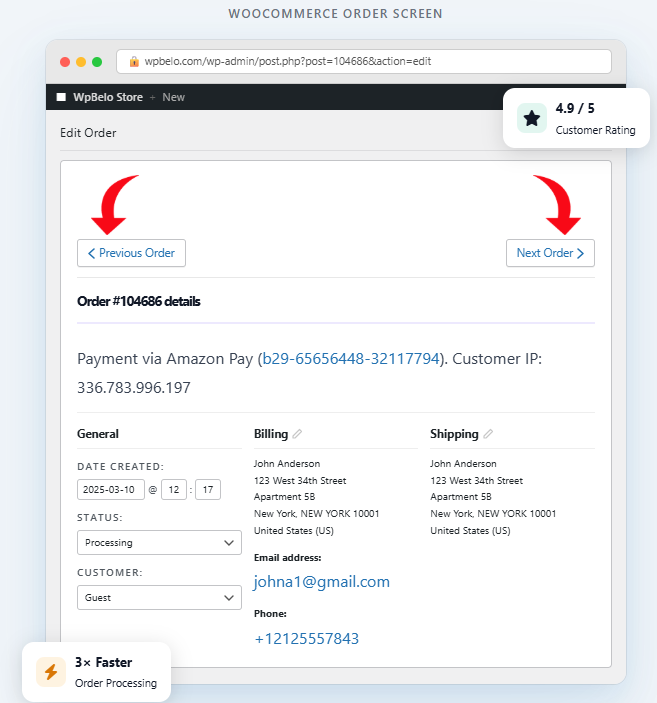
WooFlow – Previous & Next Order Navigation
Best for Speed & Navigation
The Problem It Solves: WooCommerce forces you to open an order, process it, return to the list, and find the next order. This breaks your workflow every single time.
What WooFlow Does: Adds Next Order and Previous Order buttons so your workflow becomes: Process order → Click Next → Continue instantly.
Why This Is a Game-Changer: This simple improvement eliminates unnecessary clicks, keeps you in flow, and saves hours every week. If you process orders daily, this is the fastest ROI plugin you can install.
Key Features
- Previous/Next order navigation buttons
- Seamless workflow integration
- Zero configuration required
- Works with all WooCommerce themes
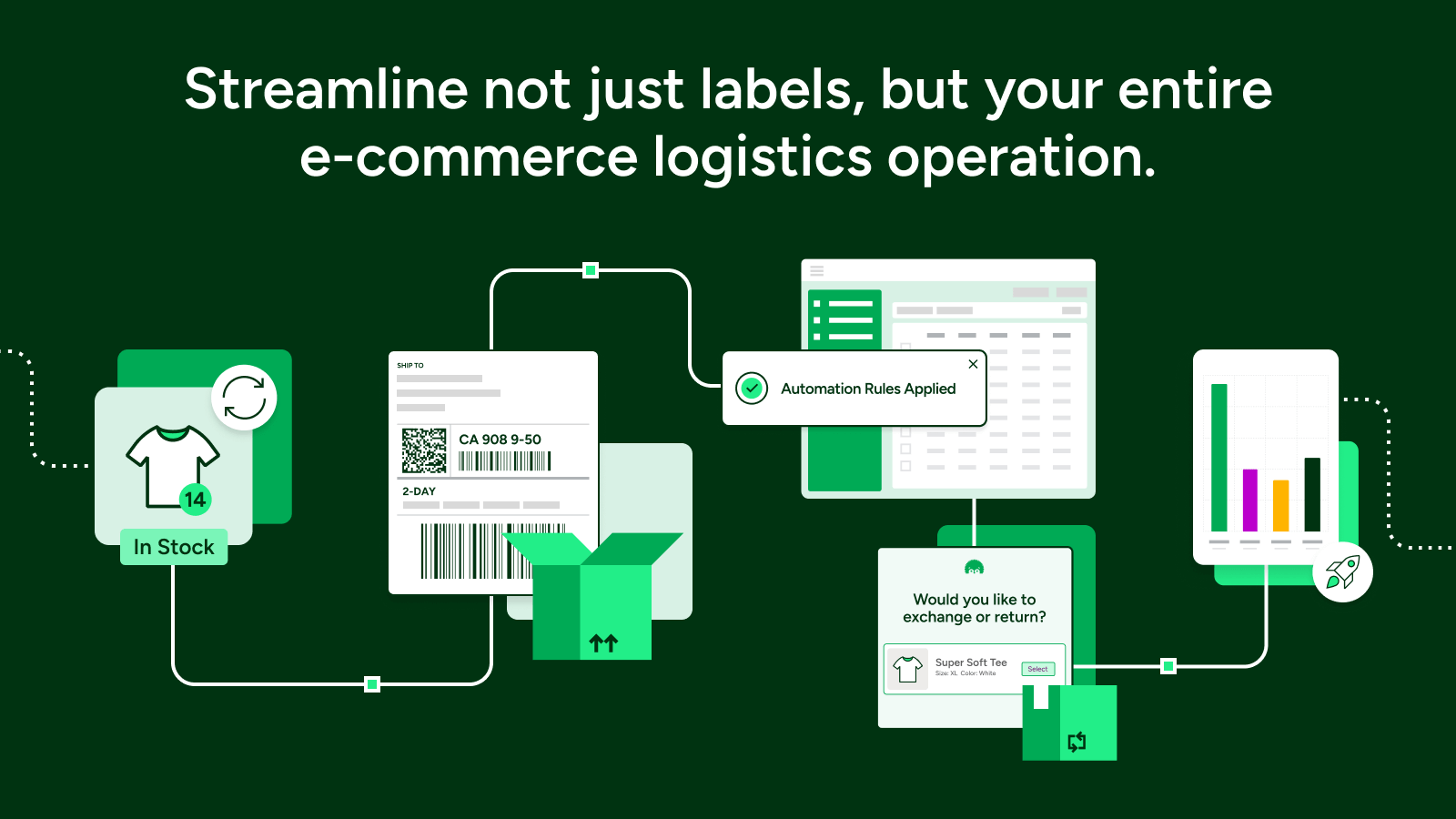
ShipStation Integration
Best for Shipping & Fulfillment
What It Does: ShipStation connects your store to major carriers like USPS, UPS, and FedEx.
Key Features: Batch label printing, shipping automation, and tracking sync.
Why It's Powerful: Shipping is one of the biggest bottlenecks in ecommerce. ShipStation turns a messy process into a streamlined system.
Best For
- Physical product stores
- Dropshipping businesses
- Multi-carrier fulfillment

Metorik
Best for Analytics & Insights
What It Does: Metorik replaces WooCommerce analytics with a fast external dashboard.
Key Features: Real-time analytics, customer segmentation, and automated reports.
Why It Matters: Data helps you identify trends, improve marketing, and understand customers better.
Best For
- Data-driven store owners
- Scaling ecommerce brands
- Advanced reporting needs
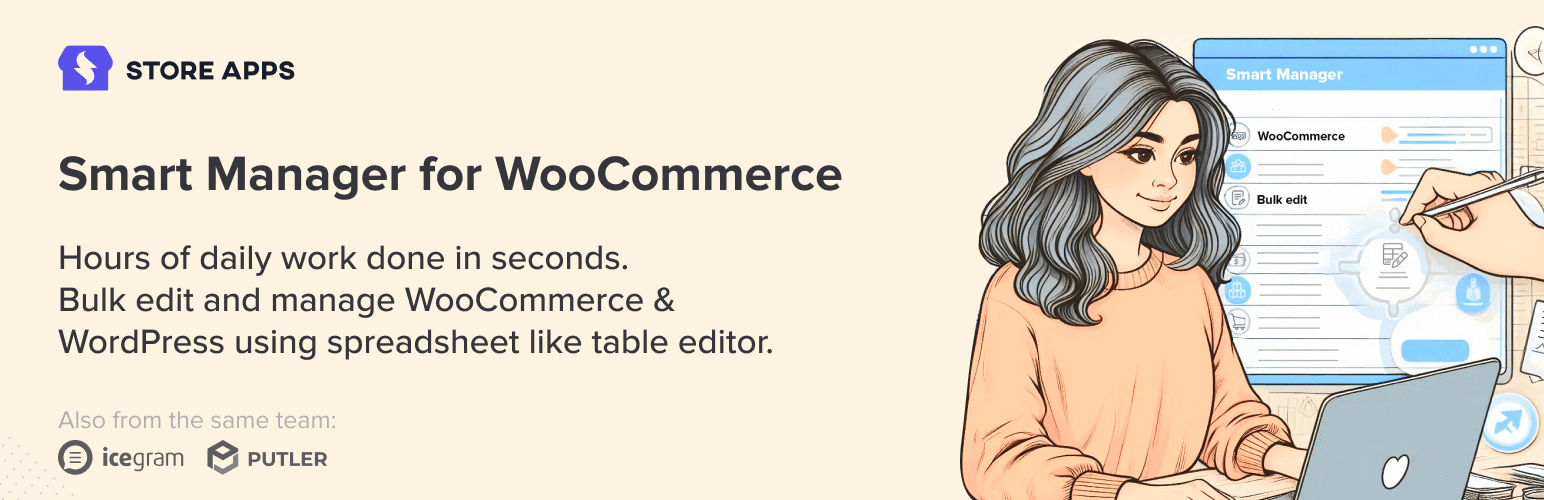
Smart Manager
Best for Bulk Editing
What It Does: Turns your WooCommerce admin into a spreadsheet interface.
Key Features: Bulk edit orders, update inventory, and edit products in grid view.
Why It's Powerful: Instead of editing one item at a time, you can update hundreds of orders instantly.
Best For
- Stores with large catalogs
- Bulk operations
- Inventory management
Advanced Order Export for WooCommerce
Best for Data Export
What It Does: Exports your order data into CSV, XLS, or XML formats.
Key Features: Scheduled exports, custom export formats, and integration with accounting tools.
Why It Matters: Essential for accounting, warehouses, and 3PL integrations.
Best For
- Stores using external systems
- Businesses needing automation
- Accounting integrations

Order Tracking
Best for Customer Experience
What It Does: Allows customers to track their orders from the frontend.
Key Features: Order tracking page, status updates, and reduced support tickets.
Why It's Important: Customers constantly ask "Where is my order?" This plugin reduces that friction.
Best For
- Stores with frequent support inquiries
- Customer experience focus
- Reducing support workload

Sequential Order Numbers
Best for Accounting
What It Does: Fixes WooCommerce's non-sequential order numbers.
Why It Matters: Default WooCommerce order IDs are not sequential and hard to track. This plugin makes them clean, logical, and professional.
Best For
- Accounting
- Reporting
- Internal tracking
Quick Plugin Comparison
Which Plugin Should You Choose?
Here's the simple breakdown:
- Slow order processing → WooFlow
- Shipping chaos → ShipStation
- Data & analytics → Metorik
- Bulk editing → Smart Manager
- Data export → Advanced Export
- Customer support → Order Tracking
- Accounting → Sequential Numbers
The Smart Strategy (What Top Stores Do)
High-performing stores don't rely on one plugin. They build a stack.
- WooFlow → speed
- ShipStation → shipping
- Smart Manager → bulk editing
- Metorik → analytics
This creates a complete order management system.
Why Speed Is Your Biggest Advantage
Most store owners focus on SEO, ads, and design. But ignore operations.
That's a mistake.
Faster operations = faster fulfillment = happier customers
Ready to Process Orders Faster?
Install WooFlow and start navigating orders more efficiently today. Save time instantly, improve workflow, and scale your operations.
Get WooFlow Free